


Adobe QR Code Generator Guide: Make a Wedding Registry QR in Minutes (Aussie Edition)
Forget fumbling with complicated QR tools that slow you down. Creating a wedding registry QR code for your Sent With Love registry can be done in minutes using Adobe’s simple tools. You’ll learn how to craft a stylish, secure QR link that guests can scan right off your invites or wedding signage. Let’s make sharing your modern online registry in Australia a breeze! For a step-by-step guide, check out this Adobe resource.
Create a Wedding Registry QR Code
Setting up a wedding registry with Sent With Love is the perfect way to begin your journey. You’ll discover how easy it is to share your registry using QR codes.
Setting Up Your Sent With Love Registry
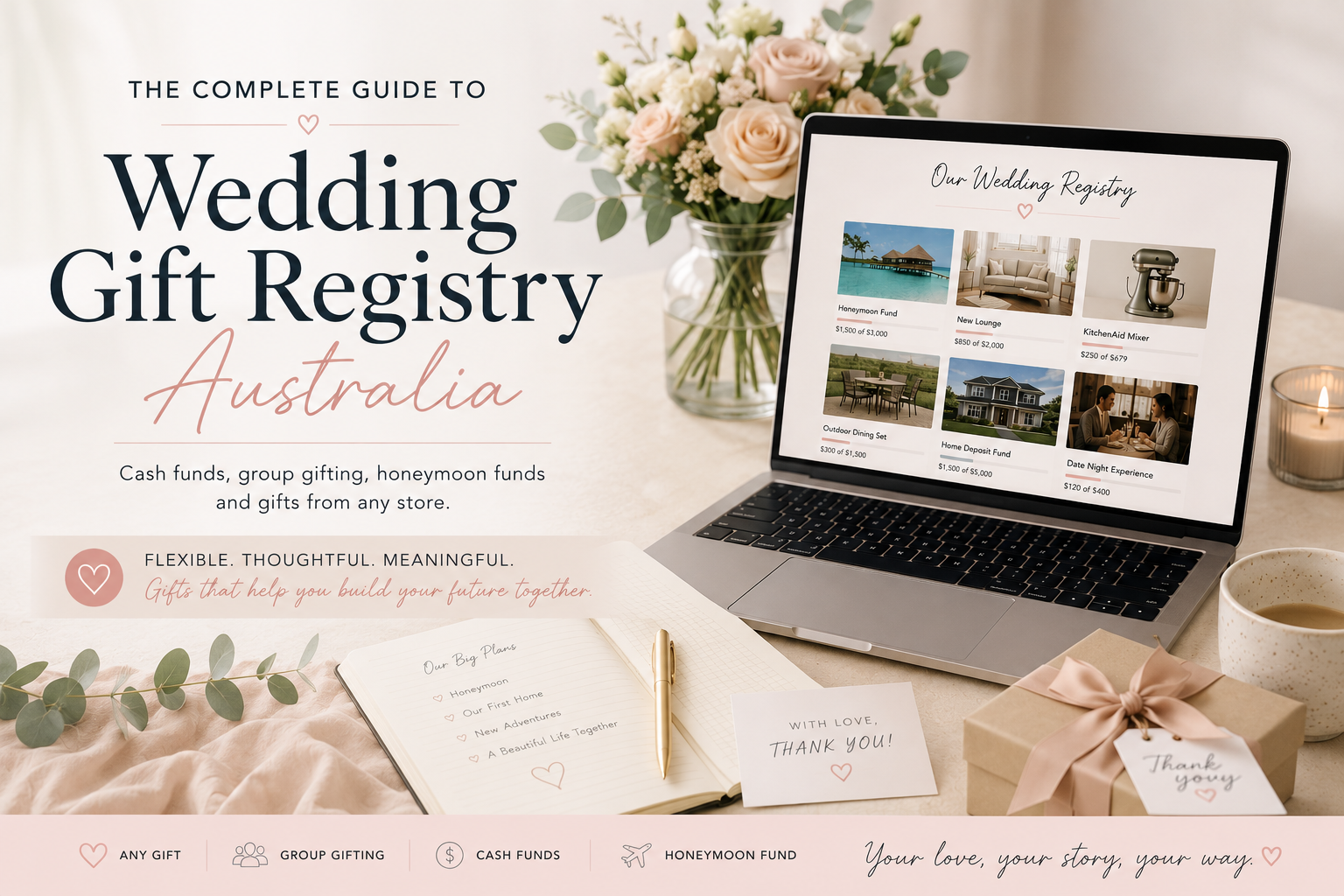
Kick off your registry with Sent With Love, the ultimate platform for Australian couples. You can collect cash, list gifts, and even fund experiences. Imagine receiving contributions for a dream honeymoon or a new home. Sent With Love lets you personalise your registry to reflect your unique love story. To find out more about setting up a honeymoon registry, visit this guide.
The setup process is straightforward. First, create an account, then start adding items or experiences you wish to include. You can even add gifts from any store, giving you ultimate flexibility. Once your registry is ready, it’s time to make sharing it a breeze with a QR code.
Adobe QR Code Generator Basics
Creating a QR code for your registry is simple with Adobe Express. This tool is designed to help you generate QR codes quickly and efficiently. QR codes are perfect for wedding invitations and signage, offering guests a seamless way to access your registry.
To start, head over to Adobe Express. Upload your registry link, and within moments, you’ll have a custom QR code. It’s that easy! For those wondering, yes, generating QR codes with Adobe is free. Now, let’s explore how to craft the perfect QR code.
Crafting the Perfect QR Code

A well-crafted QR code enhances your wedding invites and signage, making your registry easily accessible to guests.
Using Adobe Express for QR Codes
Adobe Express provides a user-friendly way to create QR codes. Start by logging into your Adobe account. Then, navigate to the QR code generator section. Here, you’ll paste your registry link and customise the design. Choose colours that match your wedding theme for a cohesive look.
Once your QR code is designed, download it in high resolution. This ensures it remains clear and easy to scan, even on printed materials. For more creative ideas, check this Adobe Express inspiration guide.
Illustrator and Acrobat QR Code Tips
For more advanced users, Adobe Illustrator and Acrobat offer additional customisation options. In Illustrator, you can integrate your QR code into a larger graphic design project. This is perfect for creating unique wedding invites or signage.
In Acrobat, you can incorporate your QR code into PDF documents. This is ideal for digital invites or programs. Adjust the size and placement to ensure the QR code is prominent and easy to access.
Sharing Your Registry with Ease

Once your QR code is ready, it’s time to think about how you’ll share it with your guests. Placement and presentation are key.
QR Code Wedding Invitation Placement
Place your QR code on the back of your wedding invites. This keeps the design clean while inviting guests to scan and explore your registry. Ensure it’s large enough to be easily scanned. Use a short, friendly message encouraging guests to take a look.
Embedding the QR code on wedding invitations is a modern touch that guests will appreciate. It simplifies the process of accessing your registry, making it more likely they’ll contribute.
Wedding Signage and Online Sharing Tips
Incorporate the QR code into signage at your wedding venue. This allows guests to scan and contribute on the day itself. Consider placing signs at the entrance or near the gift table. A well-placed QR code is a gentle reminder for guests to engage with your registry.
Online, share your QR code on your wedding website and social media pages. This extends the reach of your registry, ensuring that even those who can’t attend in person can still participate. For additional tips on using QR codes, see this article on how QR codes make sharing your registry a breeze.
With these steps, your Sent With Love registry will be beautifully integrated into your wedding experience, making gifting easy and enjoyable for everyone!
Leave a reply

Wedding Registry Australia: How to Build Your Perfect Registry (2026 Guide)
Build a versatile Australian wedding registry with Sent With Love, blending cash funds, experiences,

How to Add Your Sent With Love Registry to Your Minted Wedding Website (In Minutes)
Easily link your Sent With Love registry to your Minted wedding website to share
Zola Wedding Registry: The Australian Alternative Compared — Sent With Love
Sent With Love offers Australian couples a flexible, secure wedding registry alternative to Zola,